
Add one photo each
Use a well-lit photo with one clear face per image. Avoid sunglasses, masks and heavy filters.
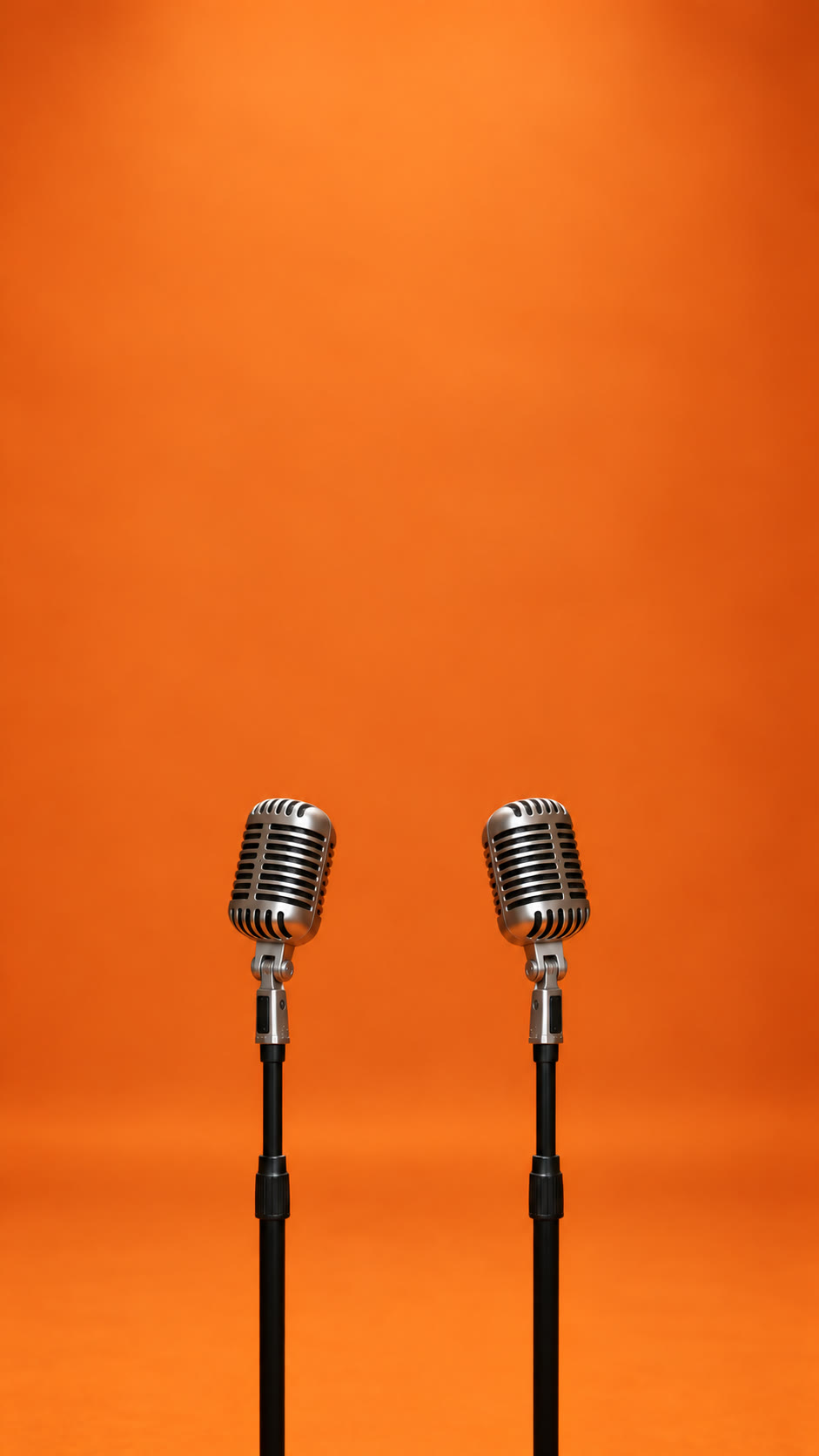
Two photos. Your own rap duo. Pick a stage and put both of you in a new performance with original AI vocals and beat.
Add your photos Photo 1 · Left performer
 Photo 2 · Right performer
Reference example preview. Your result is generated from your photos.
Choose the people, the scene and your output. Review the credits before generating.
Your videos will appear here after you sign in and create.
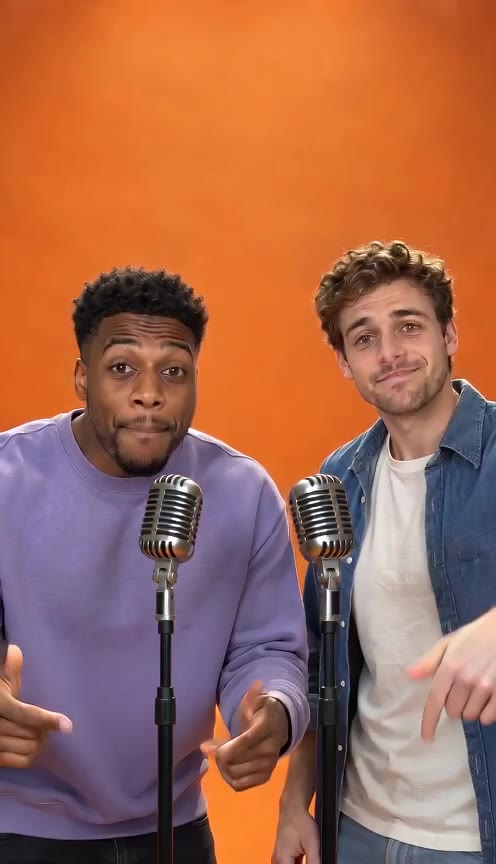
The Hotel Lobby AI trend brings two people into a shared rap performance. Here, you provide one photo per person, select a setting and generate a new scene. The people do not need to have been photographed together. Photo one belongs to the performer on the left; photo two belongs to the performer on the right. Swap sides before generating whenever you want.
Use JPG, PNG or WebP photos under 30 MB, with sides between 300 and 6000 pixels. Sign in with Google to create; the current cost comes from the same credit settings used by the server.
Use a well-lit photo with one clear face per image. Avoid sunglasses, masks and heavy filters.
Try a warm studio, a grand hotel, a graffiti street or a city rooftop. Swap the performers’ sides.
Choose length, quality and portrait, square or landscape. The Generate button shows the current credit cost.
Check both identities, movement and sound in My creations before downloading the result.
A new two-person rap scene based on the faces and clothes in your photos. It requests original AI vocals and music, rather than reusing the original Hotel Lobby recording.
Yes. Use the optional direction field for names, an occasion or a short tone request. Exact wording, pronunciation and lip sync can vary.
Use two separate photos with one adult face in each. If you start with a group photo, crop a separate image of each person before uploading.
Yes. Photo one is on the left and photo two on the right. Swap sides exchanges the two selected photos before the task is sent.
No. The request uses newly generated vocals and a beat. If you want a platform’s licensed sound, add it through that platform and check its usage terms.
Credits depend on the selected duration and resolution. Confirmed failures return the reserved site credits. A pending or uncertain task is kept for reconciliation and is never automatically submitted again.